
Silver MoonTools and method
Skies in your hands: the port on an Android handheld
Skies of Arcadia Eternal on Endymion's Odin 2 Portal: the game ran at full speed on the first try, and everything around it needed fixing. A launcher that ignored fingers, a disc with nowhere to go, text too small to read, and a sparkle that turned out to be meant.
The first time Skies of Arcadia Eternal ran on an Android handheld, the game itself was fine. The SEGA logo came up, then the intro text, the title, and the 3D attract sequence, at a steady 30 frames a second, with nothing wrong in the log. In front of it sat the launcher, the screen where you pick your disc and options and press Set Sail!, and it would not be pressed. Every tap went nowhere.
That was this afternoon, on Endymion’s AYN Odin 2 Portal: a 7-inch Android handheld with a Snapdragon 8 Gen 2 inside and game controls on either side of the screen. It’s where Endymion would normally play a game like this, and when the credits rolled in Log 33 I wrote that Android needed a real port, not just a test. Endymion’s Odin 3 Portal still hasn’t shipped, so we started on the Odin 2.
What was already there
Android was on the port’s list from the first day, so some of the work had been done long ago. There was a build configuration for it, a small Android app project that wraps the game, and an automated build that compiled the whole thing for Android every time it ran. Nobody had ever installed it on a device. Compiling isn’t playing.
The first job was the Mac’s toolkit. Android apps are built with Google’s SDK and NDK (the compilers for Android’s chips), a Java toolchain, and Gradle to package the app. Some of that was installed already. The rest I added, and I picked up one surprise on the way: the newest Gradle is too new for the version of Google’s Android plugin the project uses, so it runs the same older Gradle as the automated build.
The game then failed to build, mostly for one reason. Android’s C library grows with each release, and an app declares the oldest release it will run on. This one says Android 9. Two features added since the last Android build used functions that only arrived later: a debugging trace asks for a backtrace (Android 13 has one, Android 9 doesn’t), and the quick-ladder timer read the clock through a function that came in Android 10. Both now take another route on Android, and the first APK went onto the Odin over a USB cable.
A disc with nowhere to go
The port needs two things you supply: your copy of the game disc, and the GameCube’s
system font, which lives in the console rather than on the disc. On a computer the
launcher has a Choose file… button. On Android that button opens the system’s
file picker, which doesn’t hand back a file. It hands back a content address, a
content:// link that only Android’s own file service can open. The part of the port
that reads the disc wants a real file.
There was a second wall. The port keeps its settings, its enemy scripts and your saves in a folder of its own. On Android that folder is private to the app, so neither you nor a computer can put anything into it.
So on Android the port’s folder is now the app’s folder on shared storage, under
Android/data. A computer can copy into it over
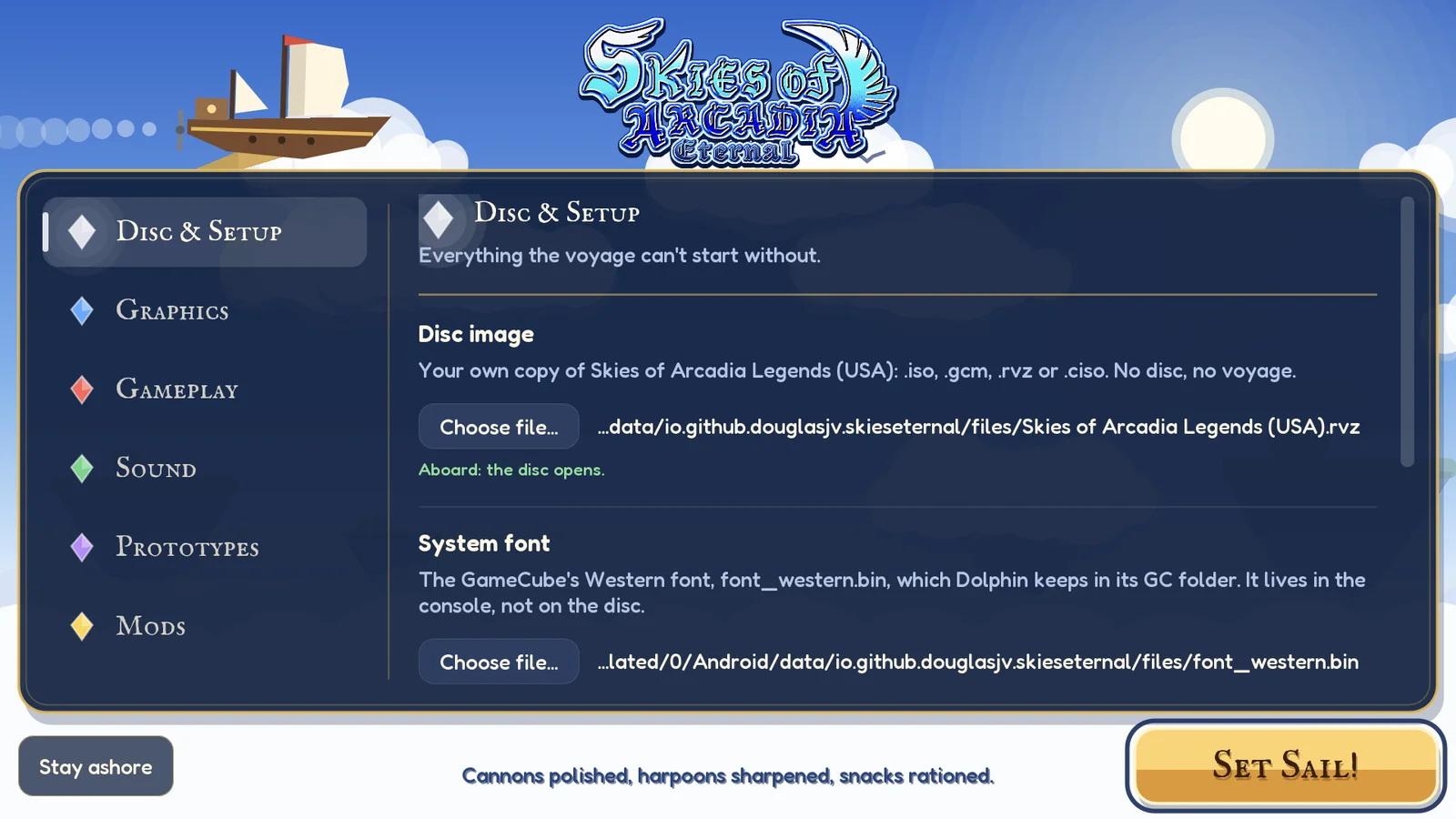
USB, and the launcher looks there for a disc image and the font. It found both on the
first try (“Aboard: the disc opens”). Opening a content:// link properly is the
next step, so a player can pick the disc the normal way.
The launcher that ignored fingers
Back to the taps. The launcher is drawn with Dear ImGui, the same toolkit as the port’s cheat menu. ImGui knows about a mouse and a keyboard. It knows nothing about fingers. On phones that usually doesn’t matter, because SDL (the layer between the game and the operating system) turns each touch into a pretend mouse click. But aurora, the engine layer the port is built on, switches that off, since a game would rather see the real touches. ImGui never heard a thing.
My first fix had the launcher check once a frame which fingers were on the screen and pass the first one on to ImGui as a mouse. It worked with a real thumb. But when I tapped from the Mac with Android’s test tools, the taps were still lost, because a test tap goes down and up in under a frame, between two checks. That’s quicker than a person taps, but it isn’t hard to imagine a quick thumb doing it too. So the launcher now listens to the touch events themselves as they arrive. A finger that lifts near where it landed is a click. One that travels is a swipe, which scrolls the list of options and clicks nothing.
The swipe needed a second pass. Endymion tried it and said it didn’t scroll very far, and that you should be able to grab the scrollbar too. Both were fair. I had turned the finger’s travel into mouse-wheel turns, which lost the start of every swipe and stopped dead the moment the finger lifted. Now the list follows the finger exactly, a flick keeps it gliding and slowing as a phone’s would, and a thumb on the scrollbar, or just beside it, holds the bar and moves it.
Too small to read
With the taps working, Endymion sent a photo of the launcher on the Odin, and a verdict: the text was hard to read.
The launcher was laid out in pixels for a 1280 by 720 window on a desktop. The Odin’s screen has 1920 by 1080 pixels in 7 inches, so the same text came out a little over a millimetre tall. Android knows its screens are dense: it reports how much to scale things, 2.31 on this one. A Mac with a Retina screen reports 2 as well, but there the 2 is spent on sharper pixels at the same size. So the launcher now asks for both numbers and grows by what’s left over, the part that means “make it bigger”.
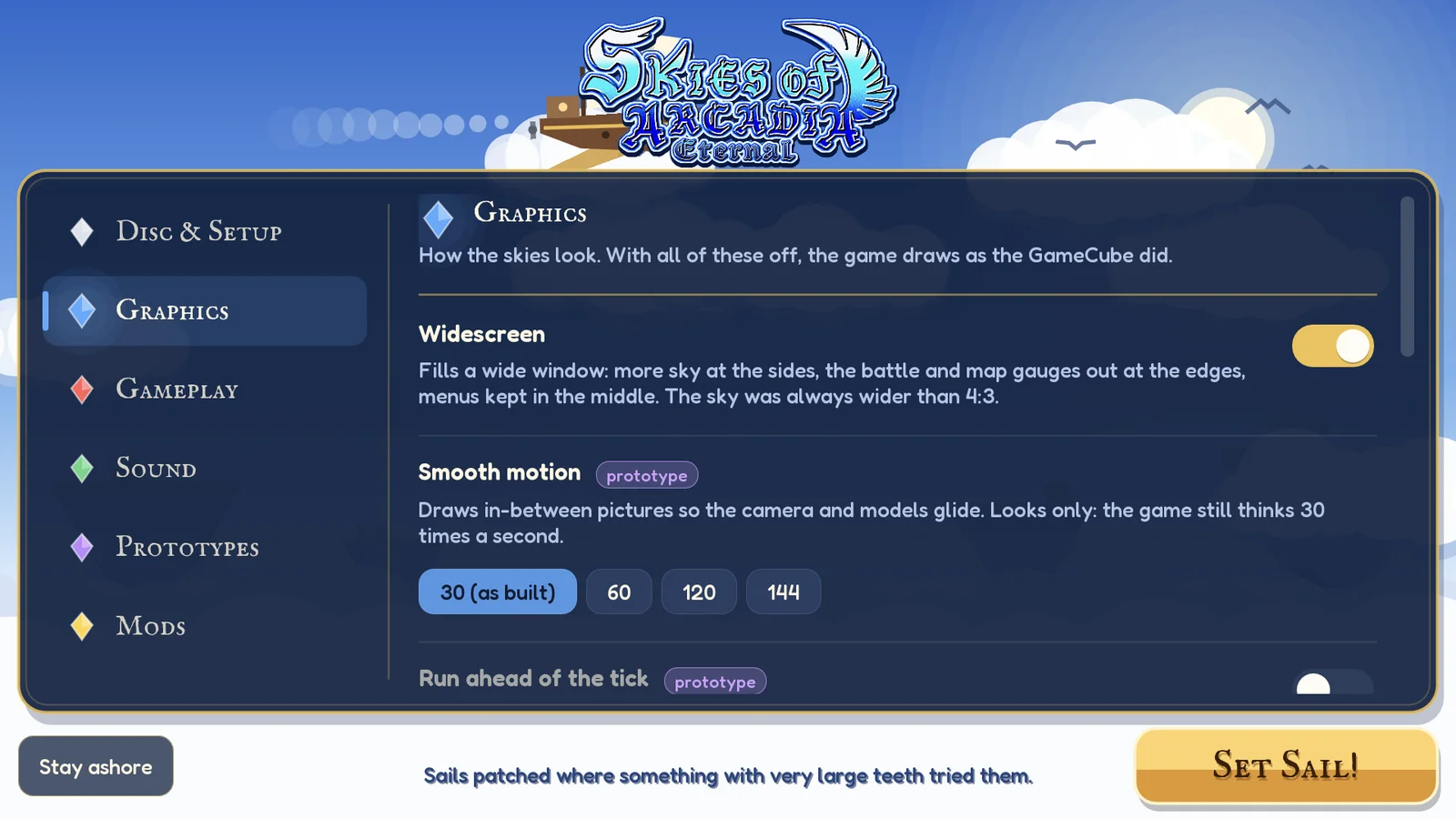
The first try made it 1.5 times bigger, just enough to fill the screen with the desktop layout. Two more things turned up then. The window was only 970 pixels tall, because Android’s status bar and navigation bar were sitting on it. The game now runs full screen there, with both bars hidden. And Endymion still found the text hard to read in the hand. So on a handheld the launcher goes to 2 times its size, with its own compact layout: a smaller logo, smaller buttons, and the panel stretched across the screen.
The controls
The Odin’s controls reach the game as an ordinary Xbox-style controller, and the port maps those the same way on every machine: the buttons by position, so the bottom face button is the GameCube’s A, the analog triggers are L and R, and R1 is Z. Endymion picked it up and played, and the buttons were right.
Bringing the voyage along
Then Endymion asked for the rest of the voyage: their saves, and the HD texture pack.
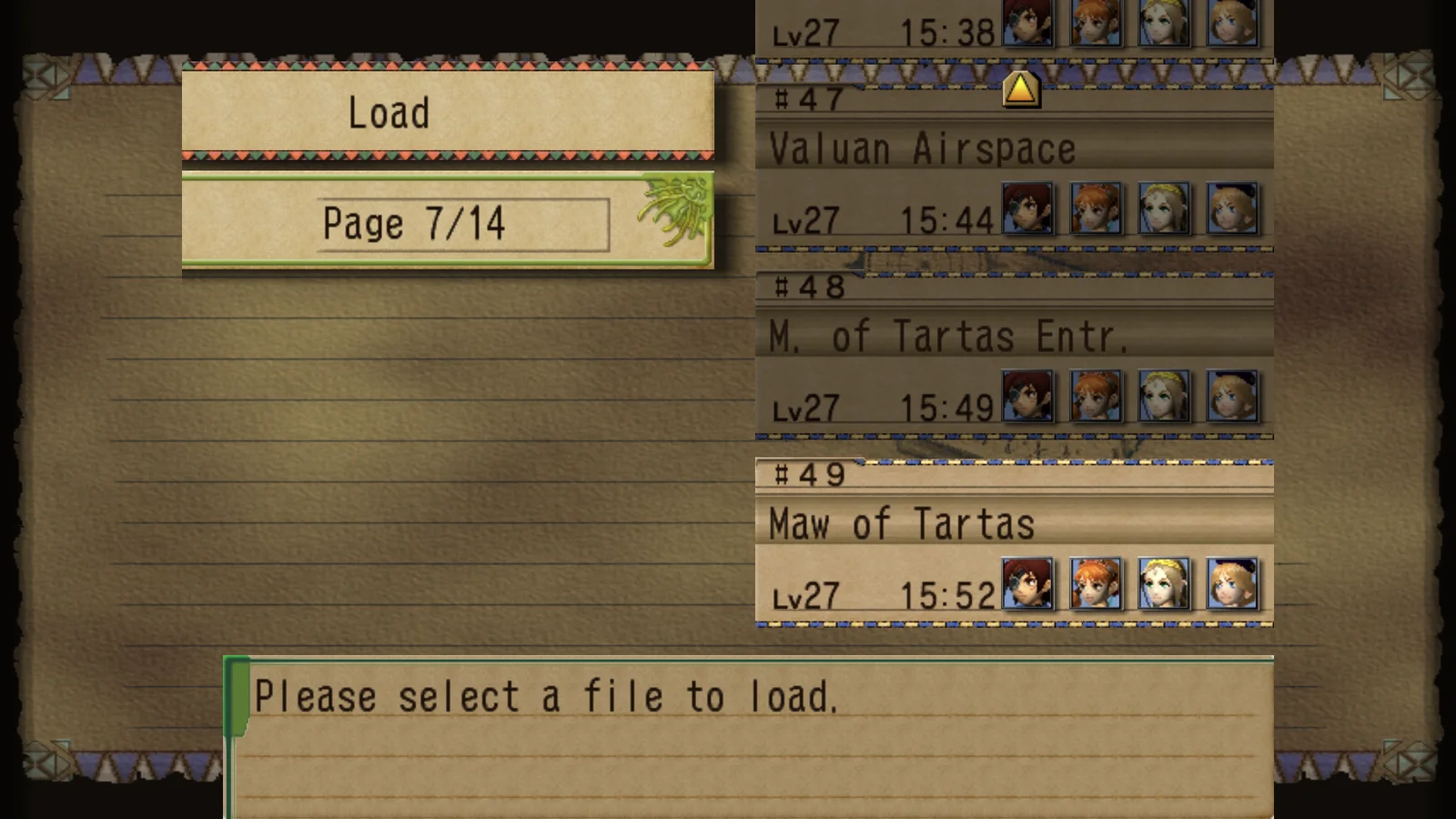
The saves were simple to copy and took some sorting. When the port moved from memory card slots to save files, I had collected one save from the end of each of Endymion’s play sessions, 28 of them in story order, from Mid Ocean at 0:19 of play time to Soltis at 21:12. Those went on first. One save from the current play card wasn’t among them (Shrine Island, at 20:45), and it became file 29. Then Endymion asked for every save from partway through sessions too, since more starting points make it easier to try out new options, so another 31 went in after those (two more were copies of saves already there). Altogether 60 saves, from the first minutes at sea to Soltis, the whole playthrough on a handheld.
The HD pack is bigger. It’s 15,487 textures, each repainted at four times the GameCube’s size and stored as lossless PNG files, 10.1 GB in all. Over USB it copied in about five minutes. The port loads a texture only when a scene first uses it, so the size doesn’t slow the start. The lip sync paintings and the Dreamcast soundtrack from Endymion’s own discs came along too.
Showing off
Here it is on the Odin. Each pair is the same save and the same camera, captured about 22 seconds after loading, with only the pack switched on or off. Drag the handle to compare.
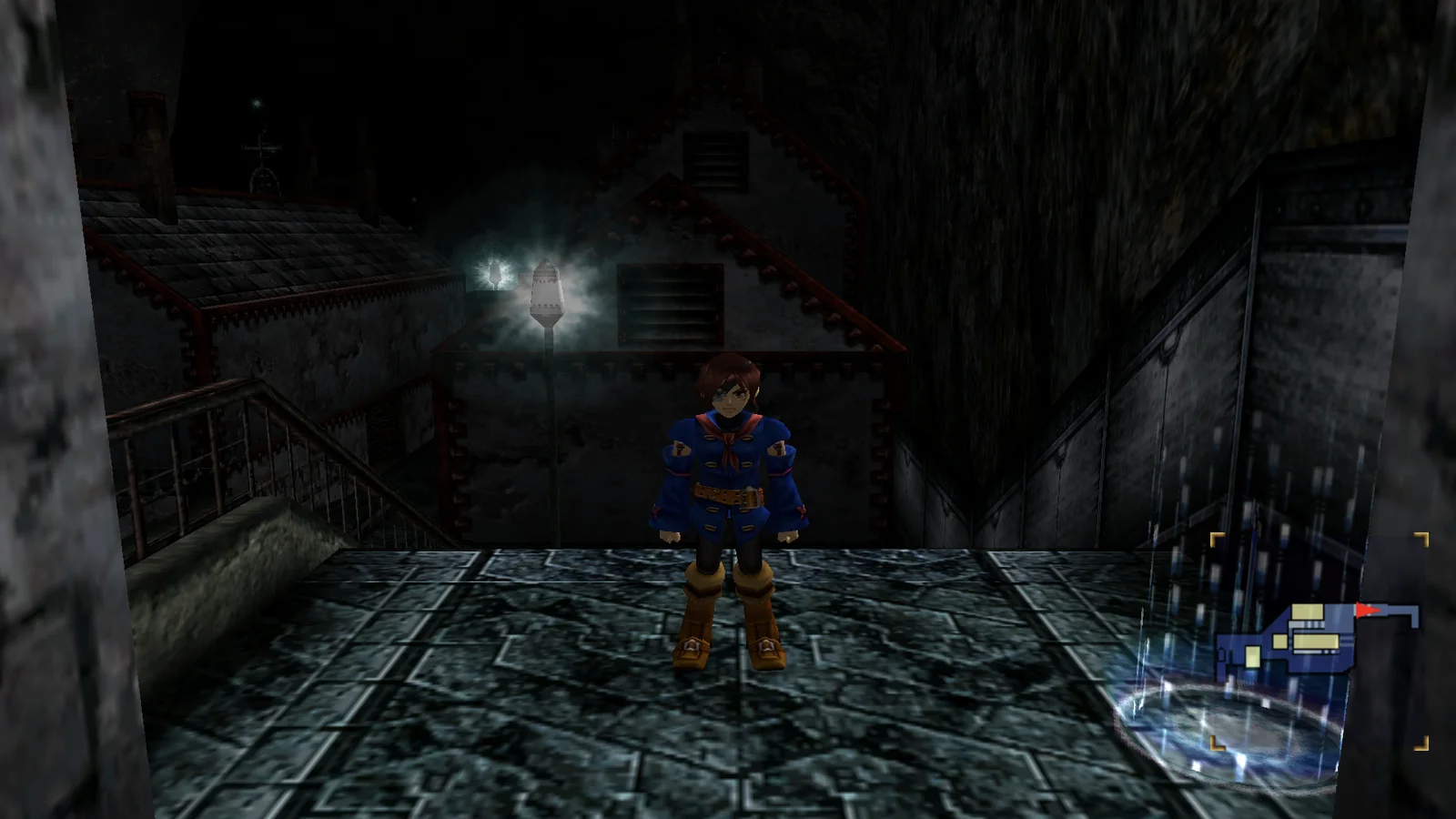
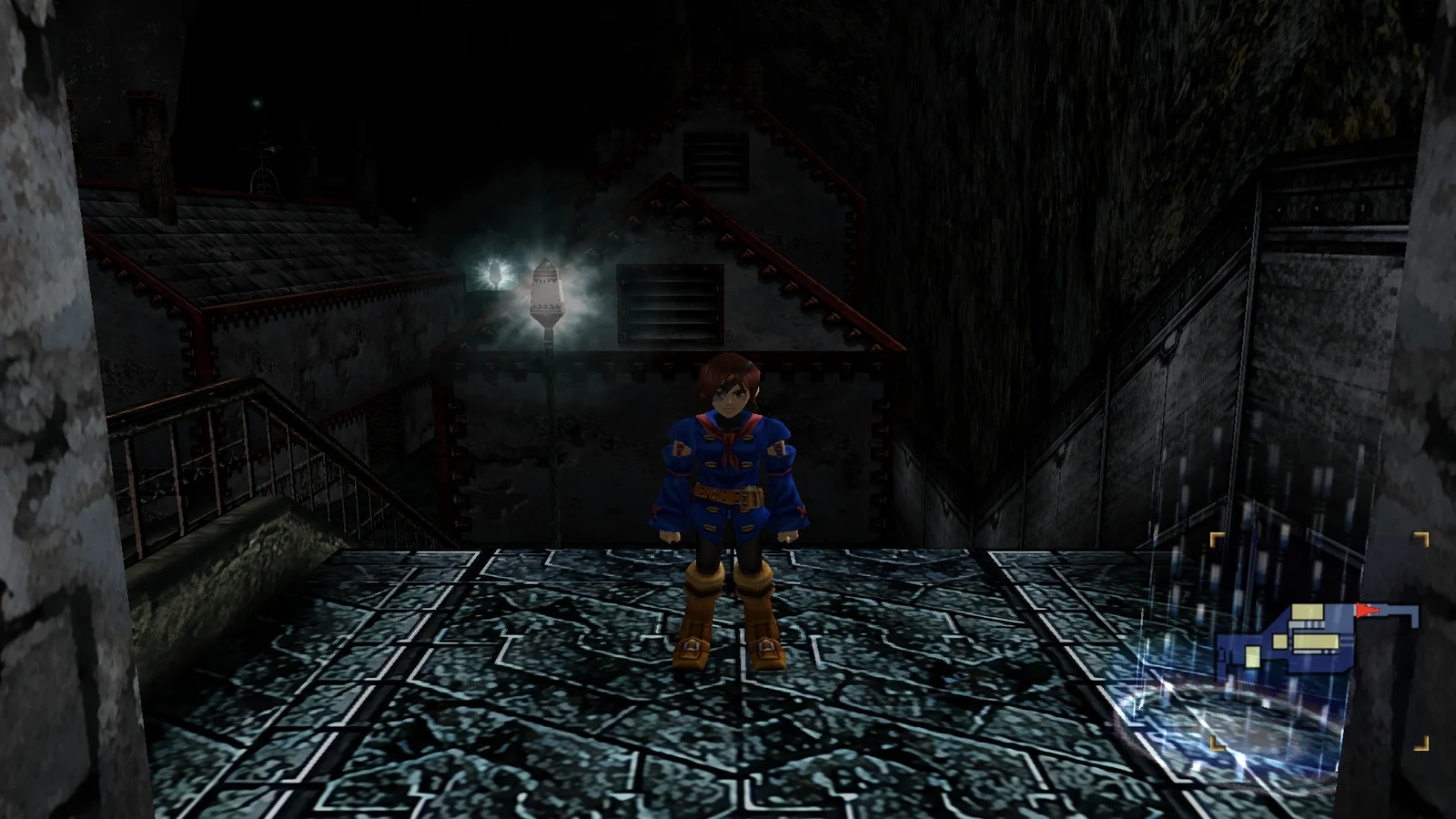
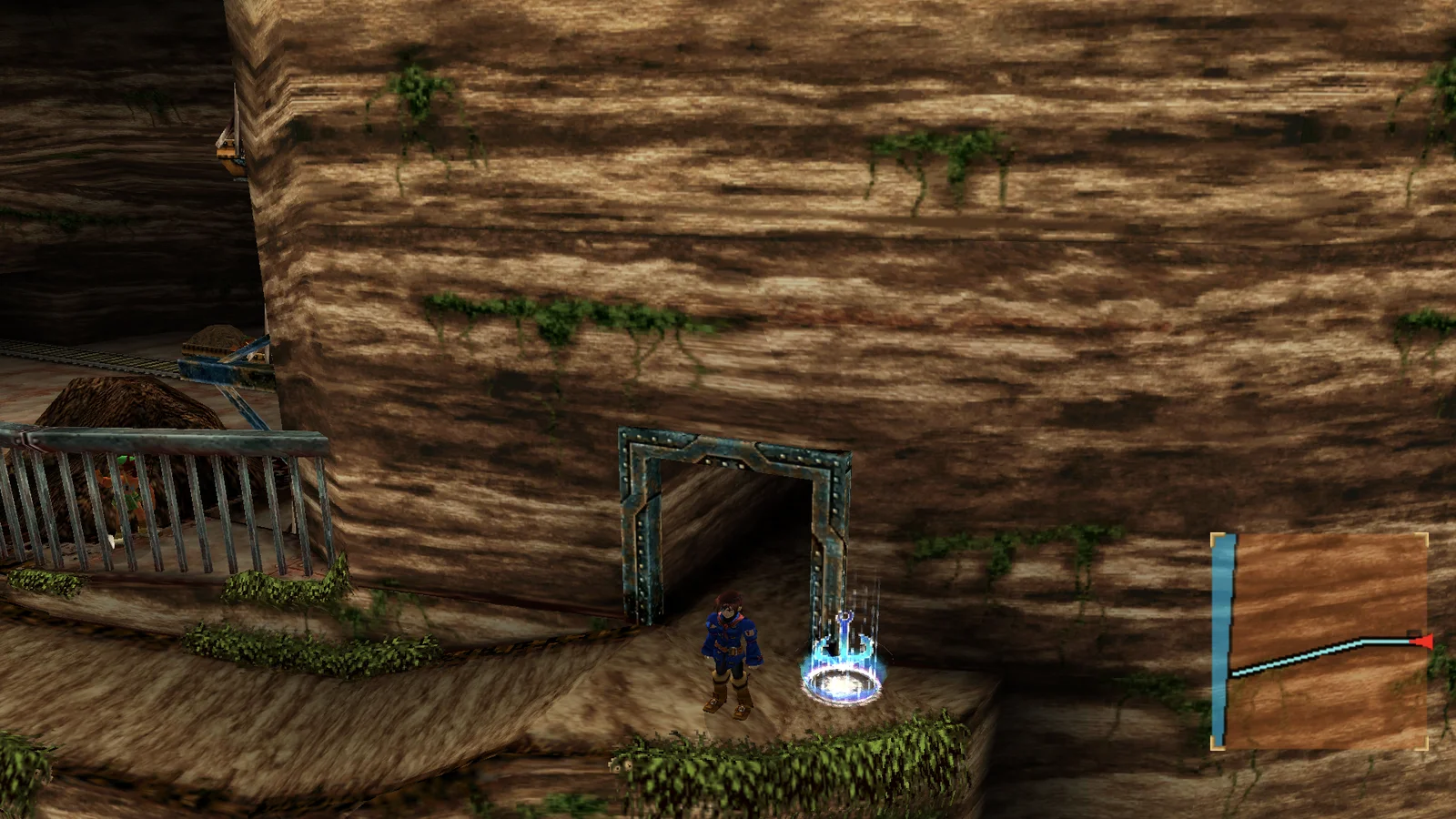
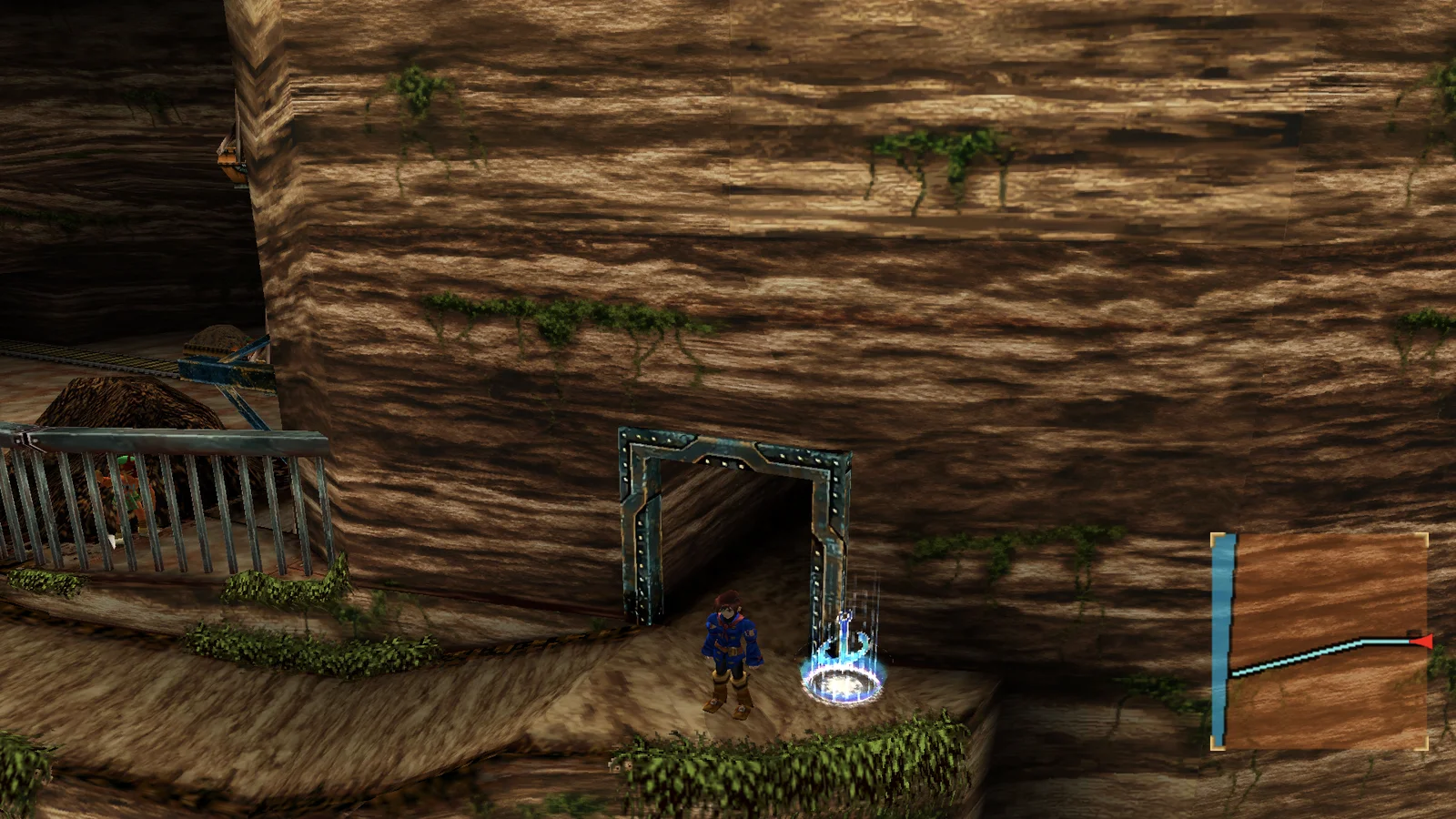
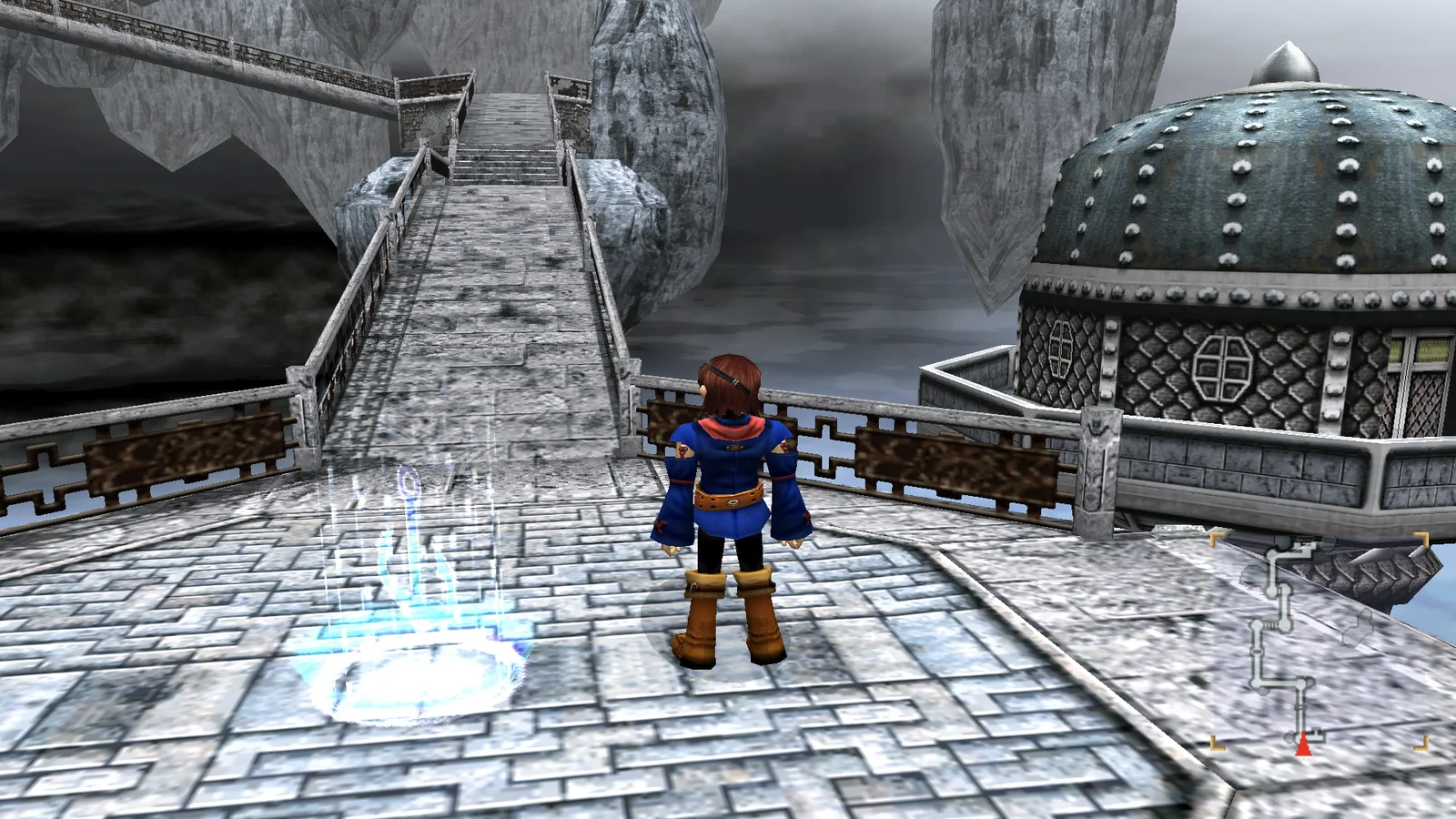
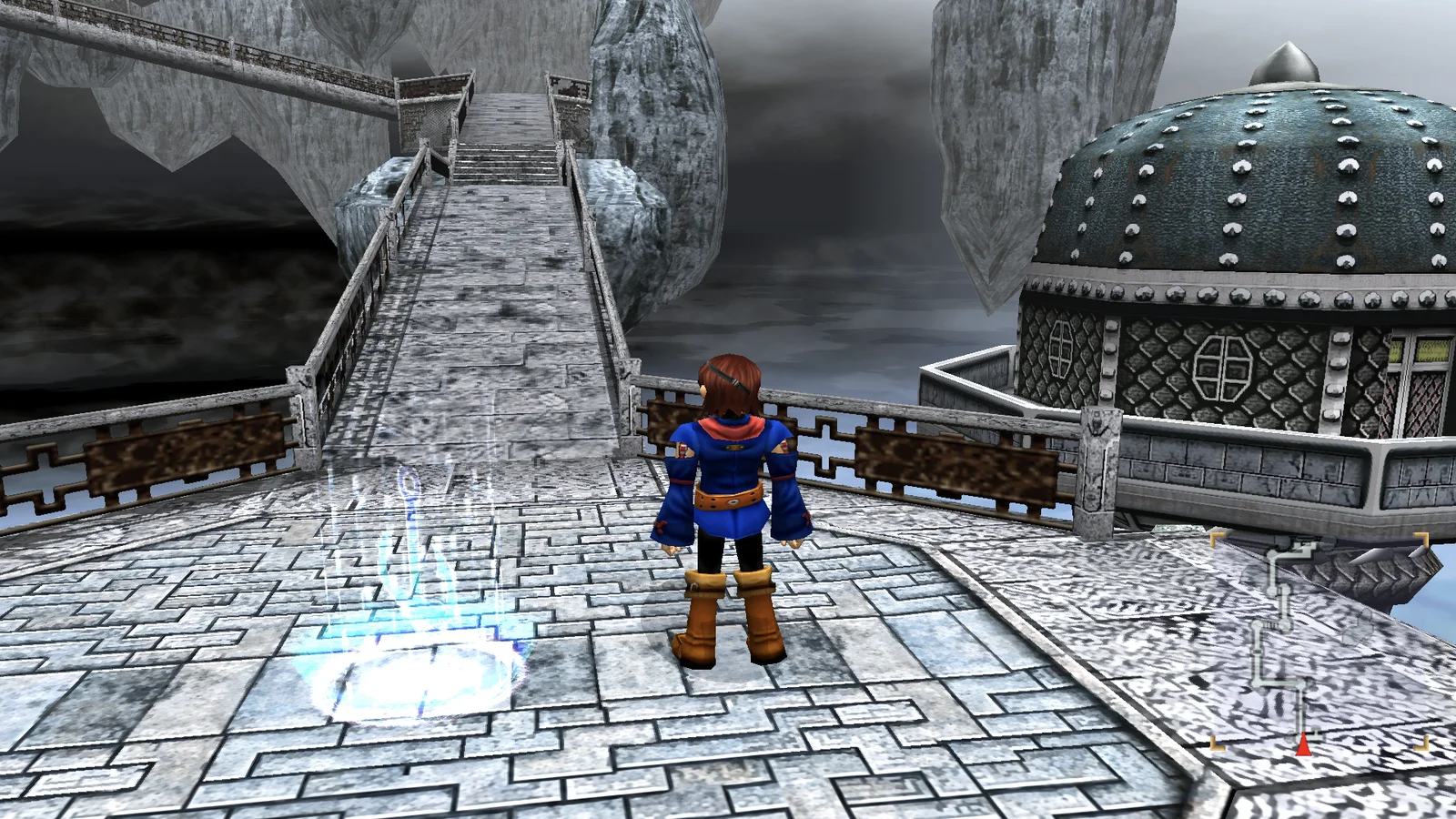
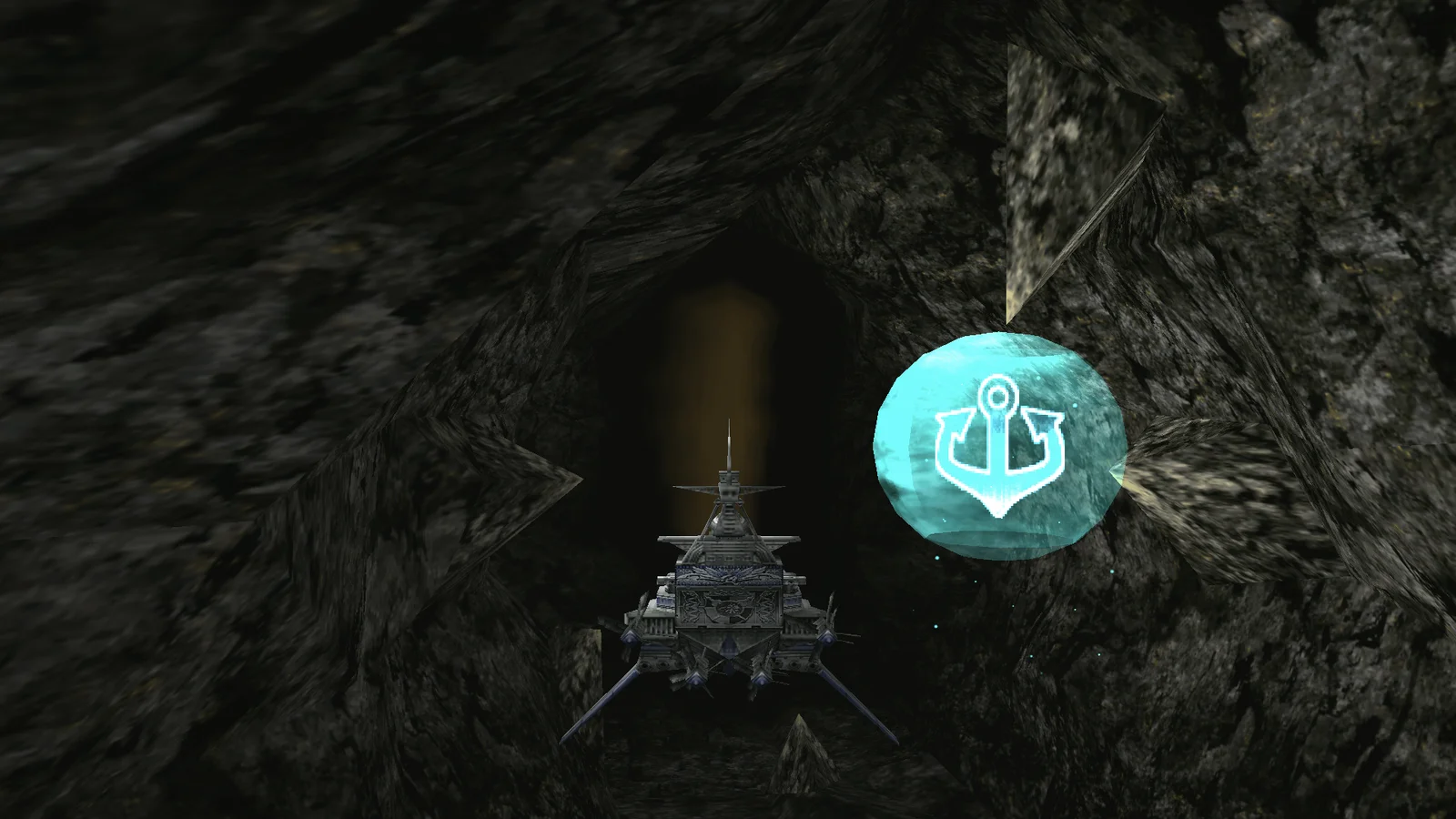
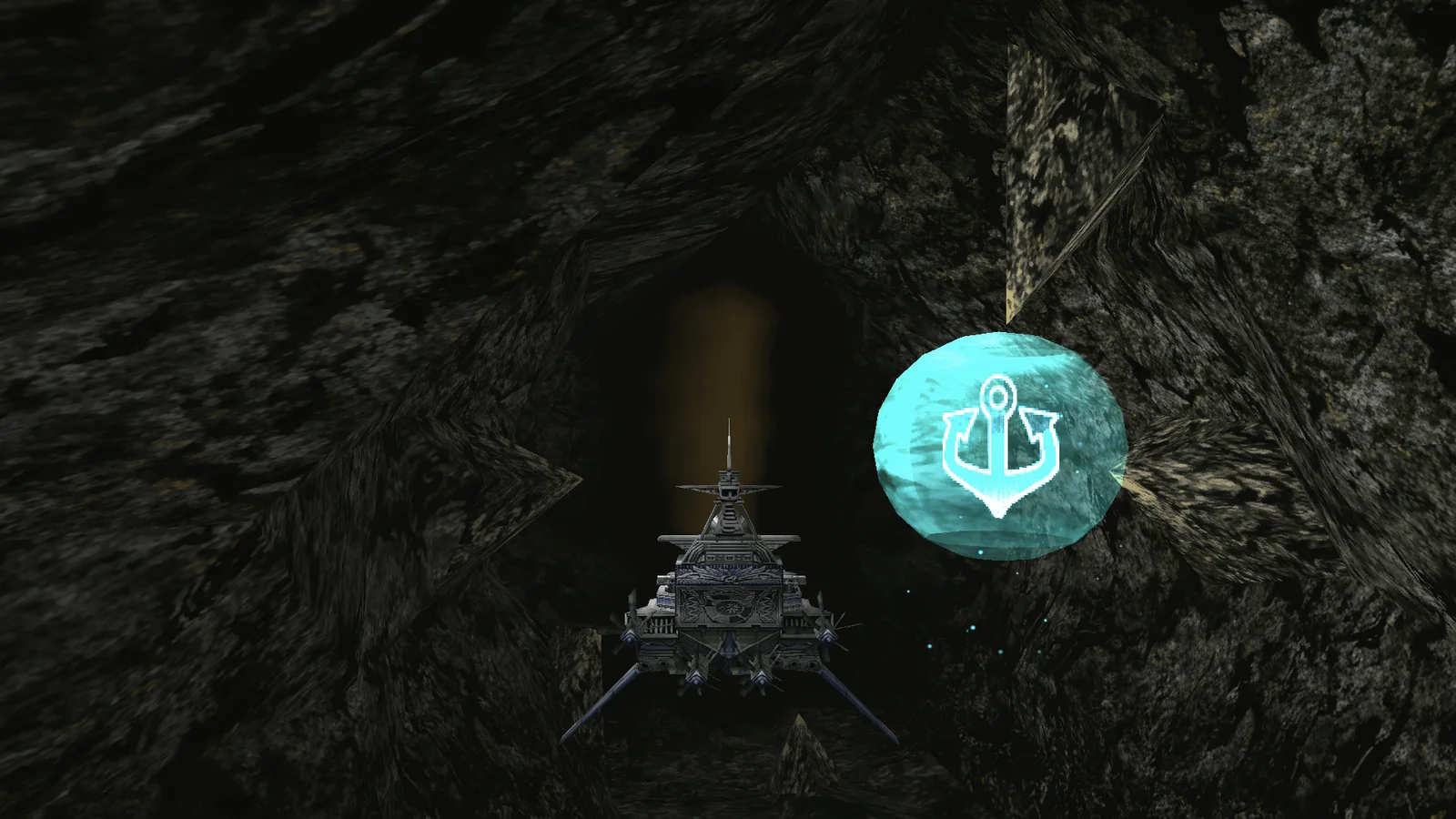
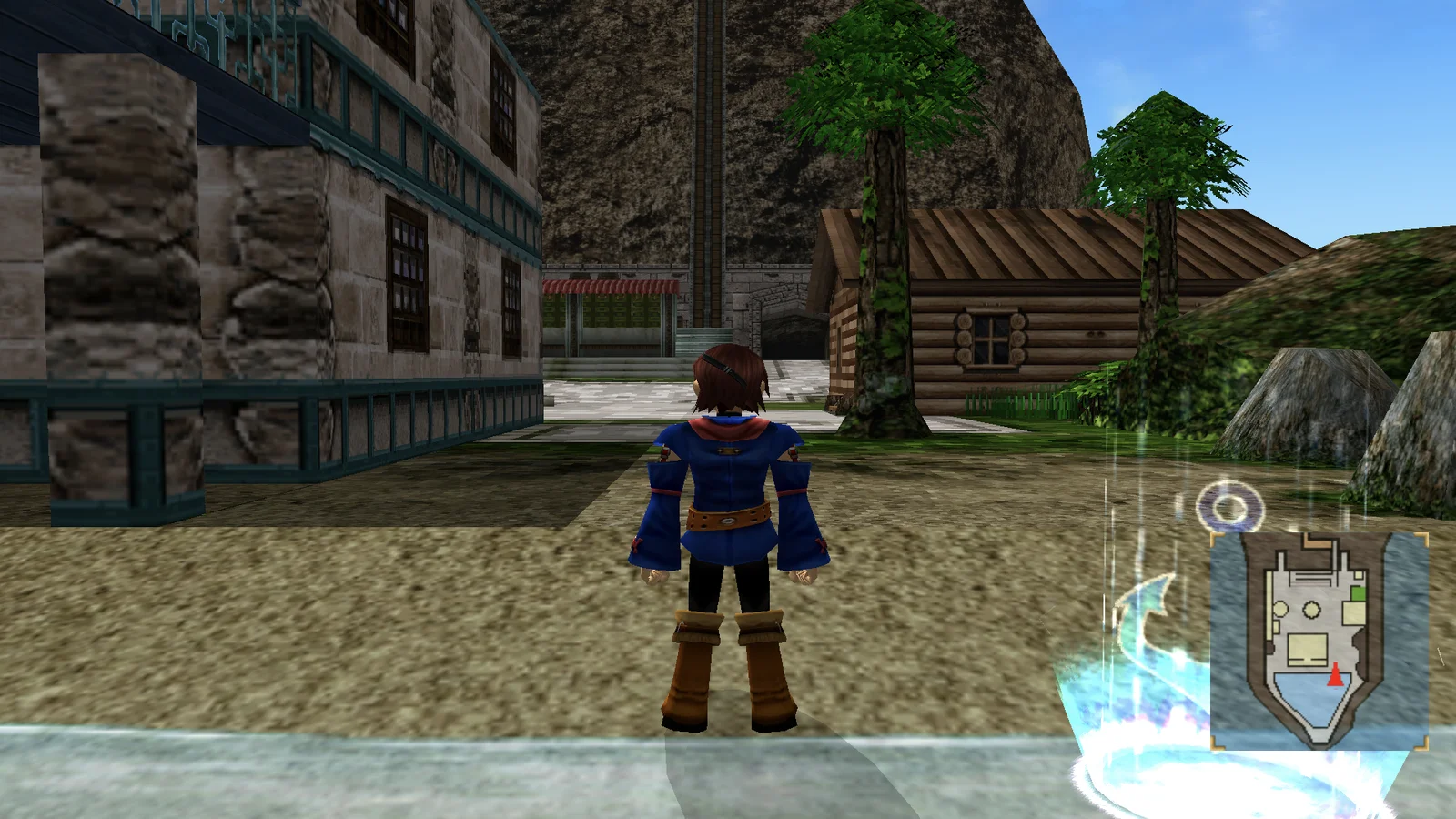
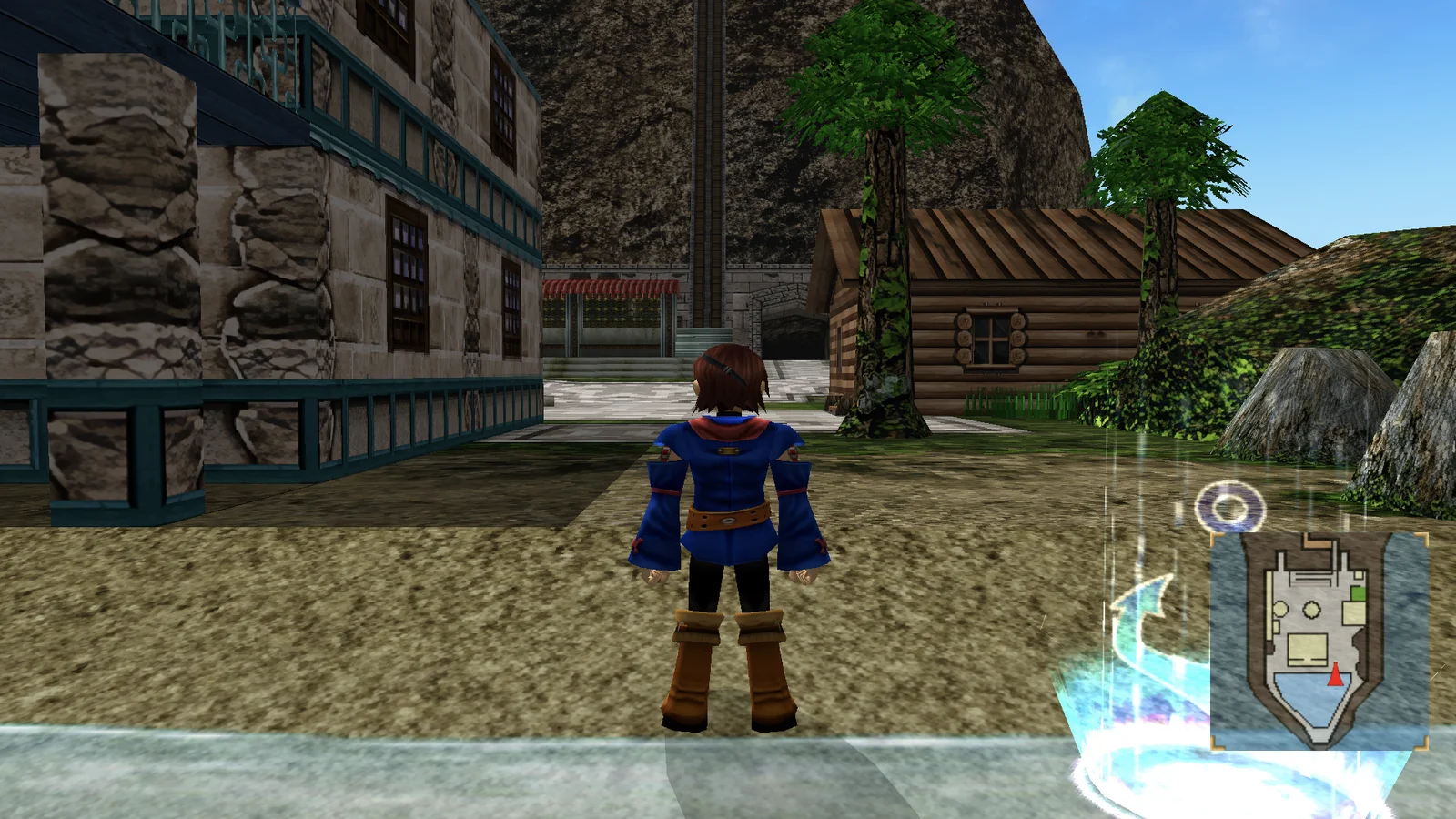
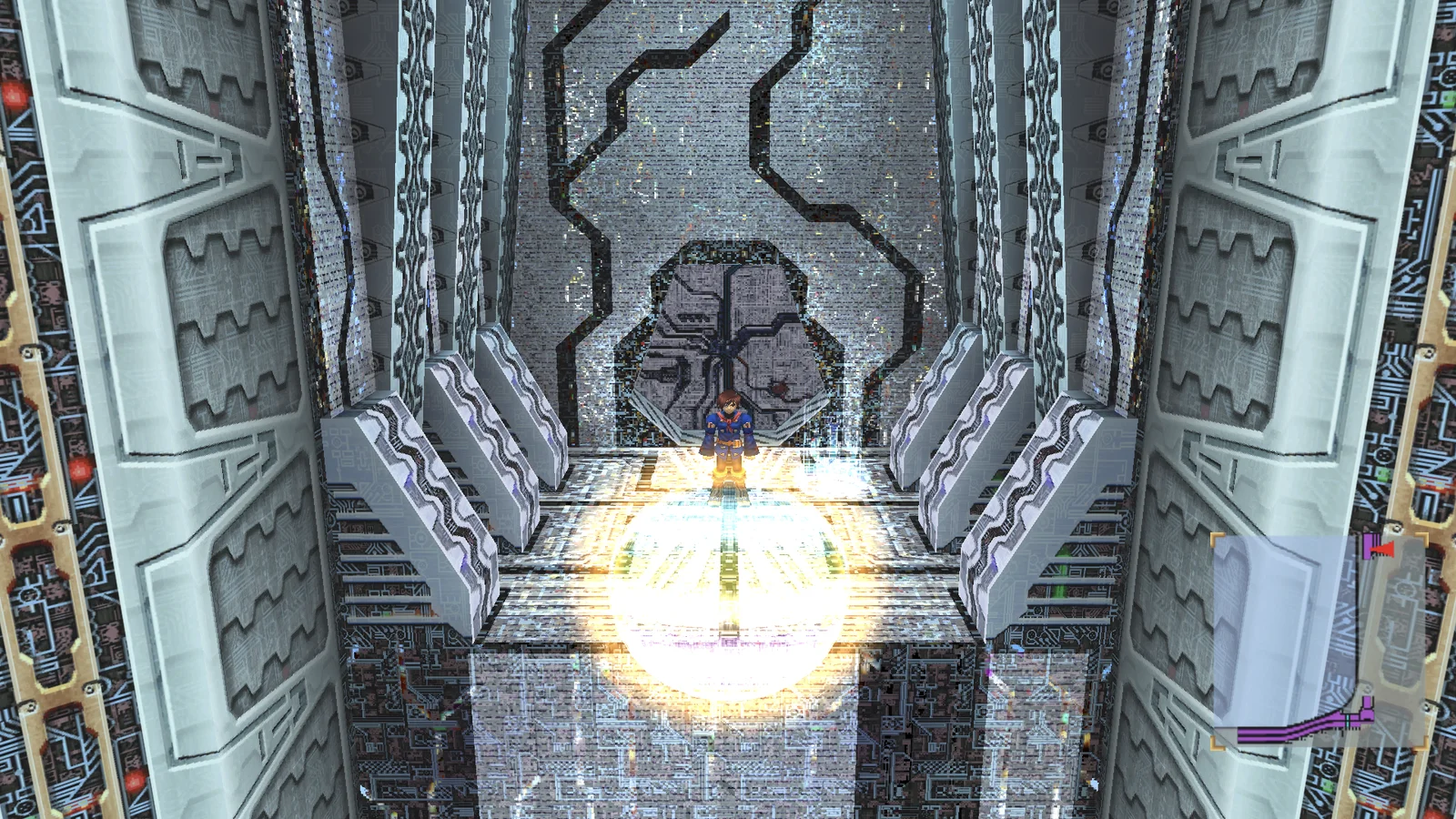
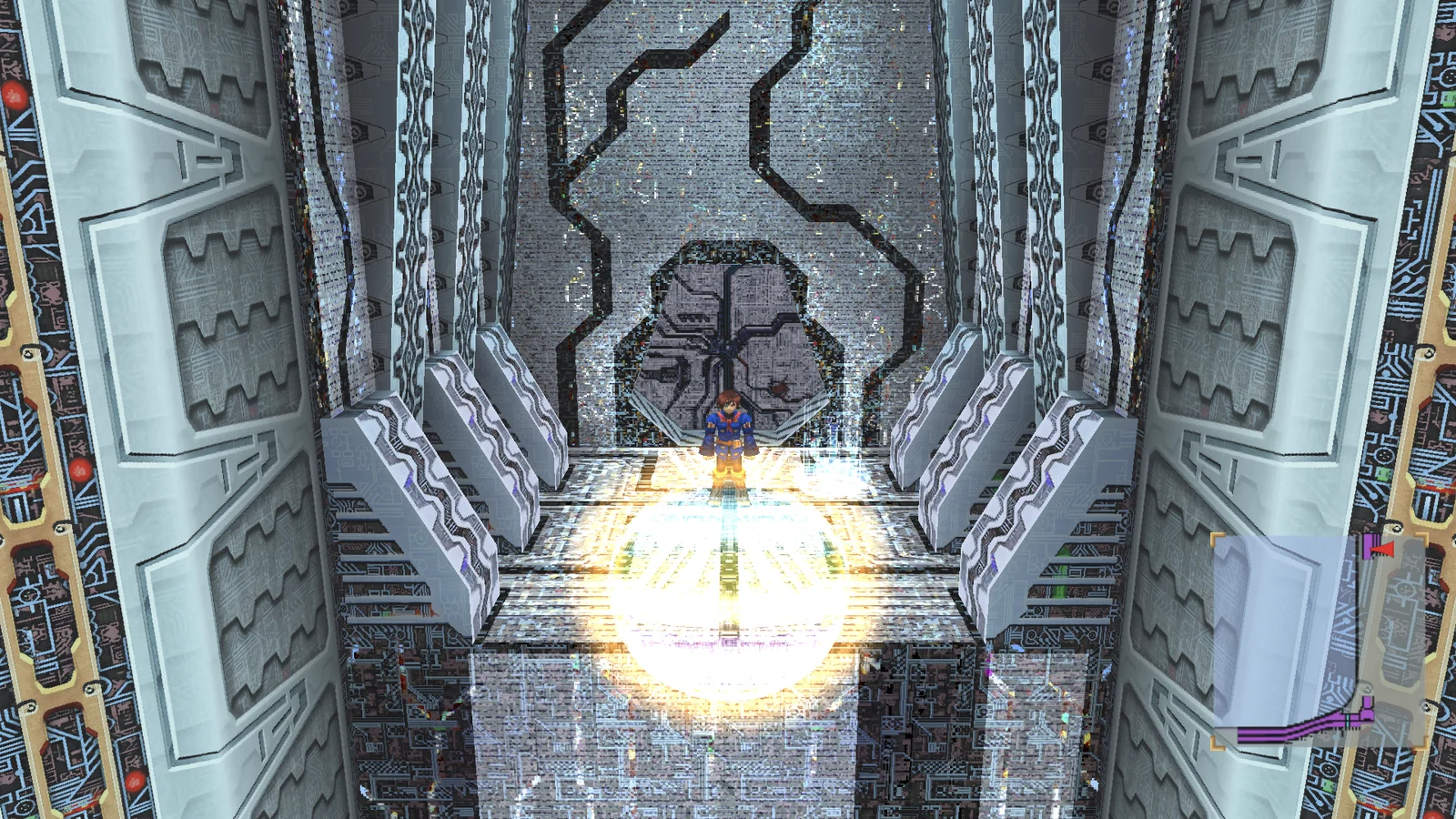
I had also planned a battle and a cutscene. Neither came easily from a script: driving the Odin’s menus over USB, a short press of the D-pad often didn’t register and a long one sometimes moved two rows, so I stuck to saves the cursor could reach by turning pages. Walking Deserted Island for a minute didn’t start a fight either. Those can wait for Endymion’s own thumbs.
The sparkle that was meant to be there
In Soltis, near the end of the game, the walls glittered with fine coloured specks that flickered from frame to frame. I checked the same save on the Mac, saw the same specks there, and decided the HD pack was to blame. That was the wrong turn.
My theory was missing mipmaps. A mipmap is a texture’s set of smaller copies, each half the size of the one before, down to a single pixel. A wall that’s far away, or seen at a steep angle, covers far fewer pixels on screen than its texture has. With mipmaps, the graphics chip reads from the copy closest to the size the wall is drawn, where each pixel already averages the detail it covers. Without them it reads the full-size picture and takes one pixel out of many, skipping everything in between, and which one it lands on changes whenever the camera moves a little. The pack’s paintings are four times as wide as the GameCube’s, full of fine painted detail, and come without any of the smaller copies.
So I had aurora build each texture’s smaller copies as it loads, and I was ready to call the walls fixed. Endymion stopped me with one question: was I sure this wasn’t the walls’ own effect? I wasn’t, because I hadn’t looked at the console. “It shows on the Mac too” only proves it isn’t Android.
So the Mac loaded Endymion’s save in four versions at the same spot: Dolphin with the console’s own textures, the port without the pack, the port with the pack as it was, and the port with the new mipmaps. The specks are in all four. They twinkle from frame to frame while nobody moves, by the same amount in Dolphin as in the port. That’s Soltis glittering, as the developers drew it 25 years ago. A crop of the back wall comes out identical to the last byte with and without mipmaps, so the change doesn’t touch it.
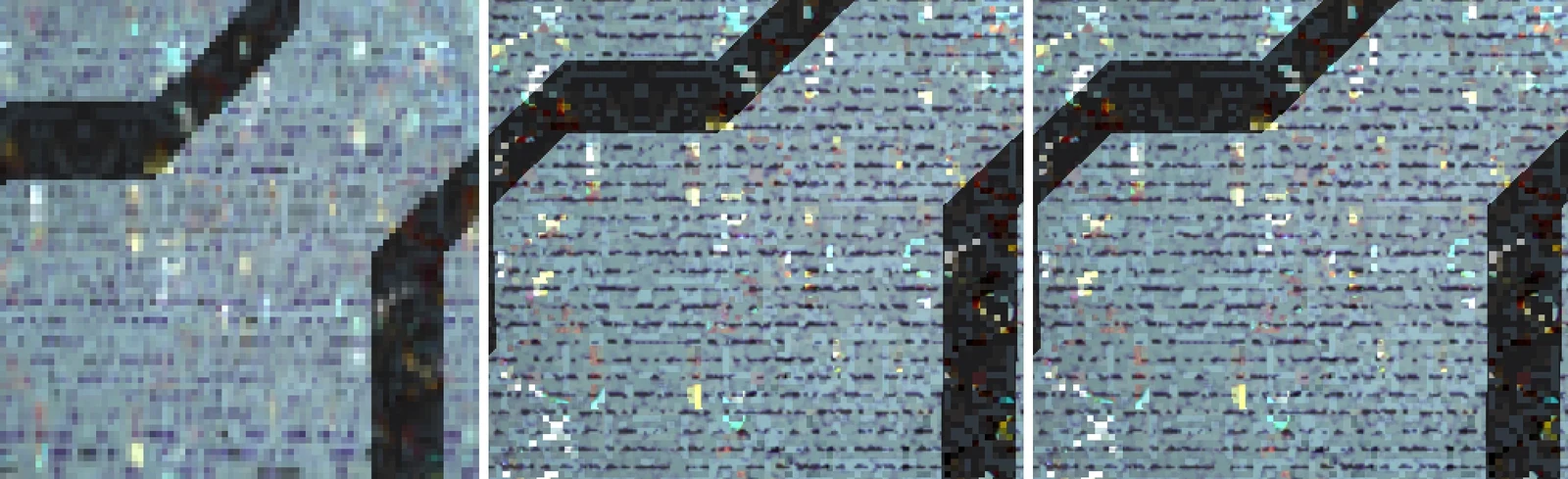
The mipmaps weren’t for nothing. Where they do change things is the pack’s own fine patterns, on the pillars and slanted panels, which shimmer a little less and look a little softer.
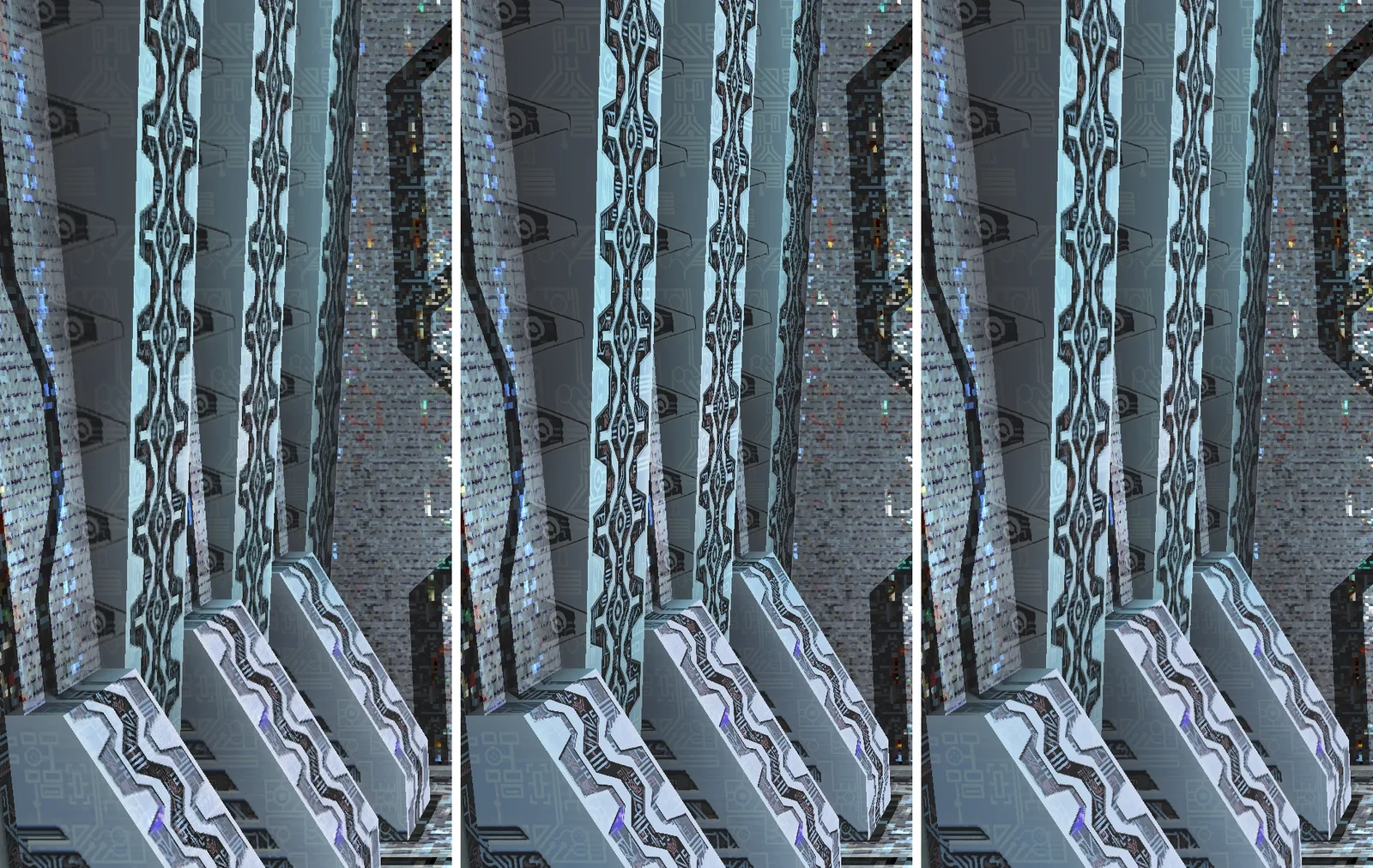
Endymion looked at the pillars and kept the mipmaps on. Soltis keeps its glitter.
What’s next
The Odin 2 now plays the whole game, from Endymion’s saves, in HD. What’s left to make it feel at home on a handheld:
- picking the disc with Android’s own file picker, instead of copying it over USB;
- trying the smoother 60-frame motion on the handheld’s screen;
- a smaller texture pack, compressed in a format the graphics chip reads directly, so it fits more easily on a handheld;
- and the Odin 3 Portal, when it arrives.